What you get
Your agent already runs things for you — Claude Code inside OpenClaw, or Hermes with its tools. What most people have not switched on is the way back: the agent can put one line on your glasses, unasked, when something you started has finished.
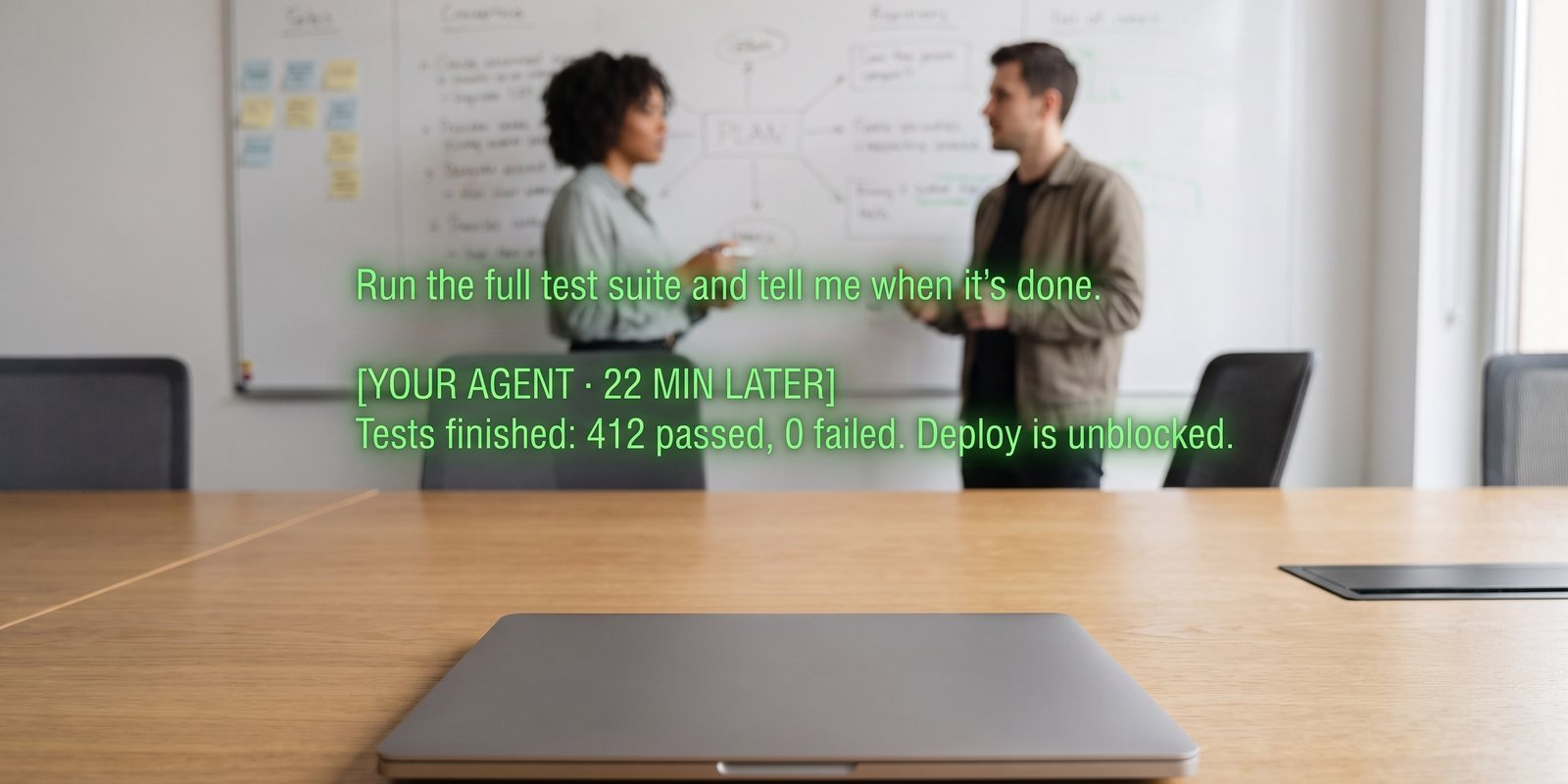
Illustration of the lens. The wording is your agent’s, not ours.
- You start it from the glasses or the phone. Through Ask with your agent selected, or typed into the Terminal tile on Home — “rebuild the weekly report”, “run the tests”, “download every invoice from the portal and total them”.
- You walk away. The job runs on your machine. IRIS is not involved until it ends.
- The result finds you. When it finishes, the agent sends one line — up to 400 characters — and it appears as a cue in whatever session you are in. If you are not in one, it waits on the server and is the first thing you see in your next session.
Set it up
- Have your agent connectedSettings → Connections → Your agent, with a green connected chip. If not, Connect your agent is the twenty-minute version and Glasses to spreadsheet, part two is the short one.
- Switch on “Let your agent write to your lens”Same card, below the agent. It is off by default because it is the one thing that can put words on your glasses without you asking. Turning it on is the whole of the IRIS-side setup.
- Teach the agent the one call it needsPut this in your agent’s standing instructions (its system prompt, its memory, a
CLAUDE.md— wherever it keeps what it always knows):When I ask for something that will take more than a minute, run it in the background and let me carry on. When it finishes, send me ONE line (under 400 characters) with the outcome by POSTing JSON to https://iris.eveniris.com/agent/push {"key": "<my IRIS licence key>", "text": "<the one line>"} Send it once. Never include secrets or file contents in that line.The licence key is the one under Settings → Connections → Even AI quick capture, with a Copy button. It is a password — give it to the agent, not to a chat log. - Try it with something shortOpen the Terminal tile, type
sleep 20 and then tell me it worked, tap Run twice, then start a session on the glasses. Twenty seconds later the line is on your lens. From then on, anything the agent can do, it can report back the same way.
What it feels like
| You say, then leave | On your lens, later |
|---|---|
| “Run the tests on the payments branch and tell me.” | Tests finished: 412 passed, 0 failed. |
| “Pull this month’s invoices from the portal into the expenses sheet.” | 14 invoices added, total £3,240. Two had no PDF — flagged in column F. |
| “Watch the flight price to Lisbon and tell me if it drops under 200.” | Lisbon fare is £184 on the 14th. Link is in your inbox. |
| “Draft the follow-up doc from that meeting.” | Draft is in Clients/Dana — 600 words, two open questions marked. |
Not only for agents. Anything that can send a web request can use the same call once the switch is on — a Home Assistant automation, an iOS Shortcut, a Zapier step, a cron job on any server. The switch lives under Your agent, so an agent has to be connected for it to appear, but the line can come from anywhere that holds your key.
Good to know
- It lands during a session. Cues are how IRIS talks to you on the glasses, and a pushed line is a cue. Outside a session it waits — nothing is lost, it just arrives when you next start listening. Pause cues silences it like everything else.
- Checked every 20 seconds while a session runs, once a minute otherwise, and only while IRIS is open on the phone. A backgrounded app is asleep, as always.
- The same line sent twice within 90 seconds is dropped, so a retrying agent cannot double-post.
- Your agent can also ask before it acts. The same switch enables approvals — a one-line question on the lens, tap to approve, swipe to refuse. The meeting-to-CRM recipe uses it.
+
More recipes
Eight things IRIS can already do that most people have not switched on — four with your own agent, four with nothing but the phone.
Meeting to CRMEach session goes to your agent as it ends; the agent updates the record and asks on your lens before emailing.Inbox on the lens“Anything from the landlord?” — answered from your real Gmail, without touching the phone.Expert cues from your agentPoint a mode at an agent that knows your codebase, wiki or vault, and it comments live while you talk.Home Assistant as a bridgeNot just lights: scripts, scenes, automations and any web hook you wrap in one, from “Hey Even”.Reminders as triggers“Remind me at four” arrives as an email — and an email can become a phone alert, a task, or a webhook.Voice to-dos into TodoistA “remember to…” on the glasses lands in your Todoist or Google Tasks, and ticking it off there ticks it off in IRIS.Ask your documents by voiceAdd the PDF once. Then “Hey Even, what’s the notice period?” is answered from it, on the lens.All recipesThe index, with the spreadsheet guide and the agent guide.